Solo freelancers and micro-agencies in India who are GST-registered and bill domestic clients in rupees.
How it works
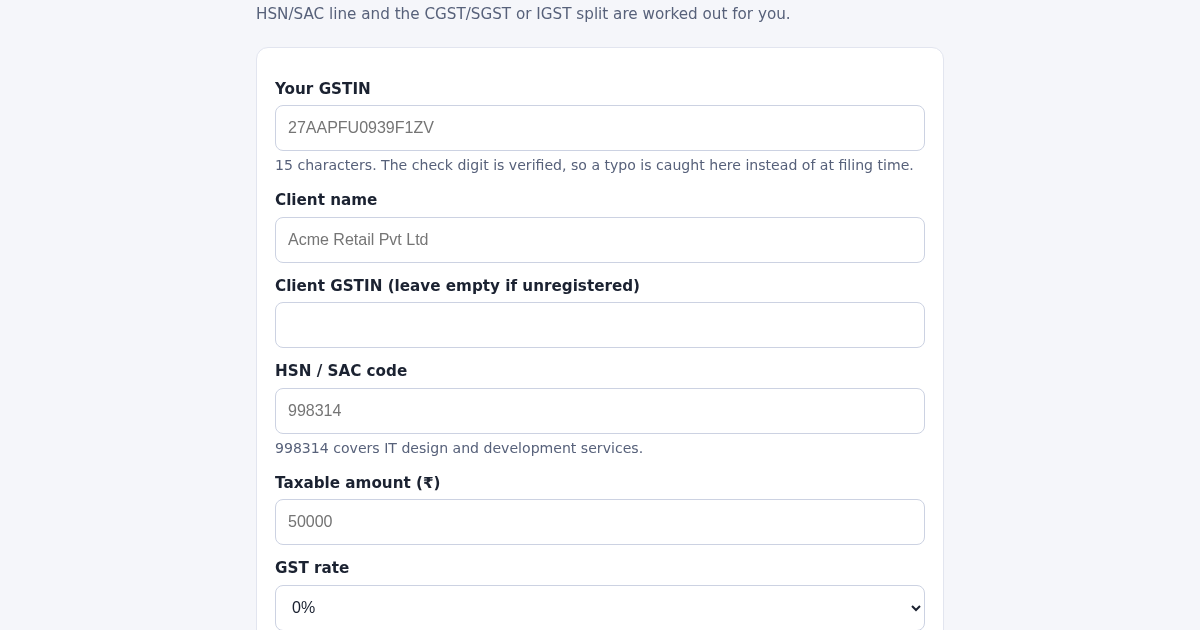
- Enter your GSTIN — the 15th character is a check digit and is verified, so a typo is caught before filing.
- Enter the client name, the HSN/SAC code and the taxable amount.
- Pick the GST rate and the client's state as place of supply.
- The invoice is generated: same state gives a CGST + SGST split, a different state gives IGST.
- Every invoice is saved and numbered sequentially within the Indian financial year (April to March).
What you gain
- CGST/SGST or IGST decided from the state codes, not by hand
- GSTIN check digit verified on entry
- Sequential invoice numbering per financial year
- HSN/SAC code carried onto the invoice line
- Invoice history kept on the server
- Works on a phone browser
Screenshot
Technical details
How to set up & use
- Buy the license — your key (lic_...) appears on the order page and in your email.
- Sign in at app.synoriaai.com with your license key.
- No installation — the product runs in your browser, on your own isolated instance.
- Open the generator page.
- Enter your 15-character GSTIN.
- Enter the client name and, if the client is registered, their GSTIN.
- Enter the HSN or SAC code and the taxable amount.
- Pick the GST rate and the client's state as place of supply.
Frequently asked questions
How is the tax split decided?
From the first two digits of your GSTIN (your state) and the place of supply you pick. Same state gives CGST and SGST at half the rate each; a different state gives IGST at the full rate.
Where are my invoices stored?
In a JSON file on the server that backs this instance. There are no accounts and no third-party services involved.
Does this file my returns?
No. It produces the invoice figures and keeps the numbering sequential. Filing stays with you or your accountant.
Related products
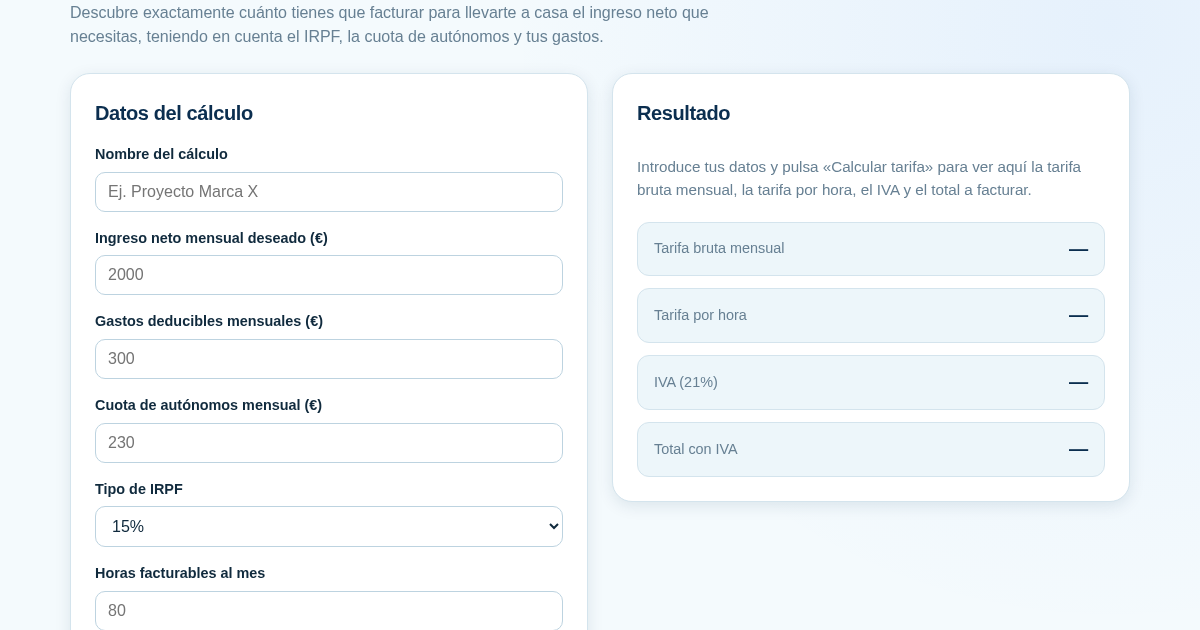
Calculadora de Tarifas para Autónomos
Muchos autónomos fijan sus tarifas sin saber cuánto necesitan facturar realmente para alcanzar el ingreso neto que quieren. Esta calculadora parte del neto mensual deseado y calcula la facturación bruta necesaria…
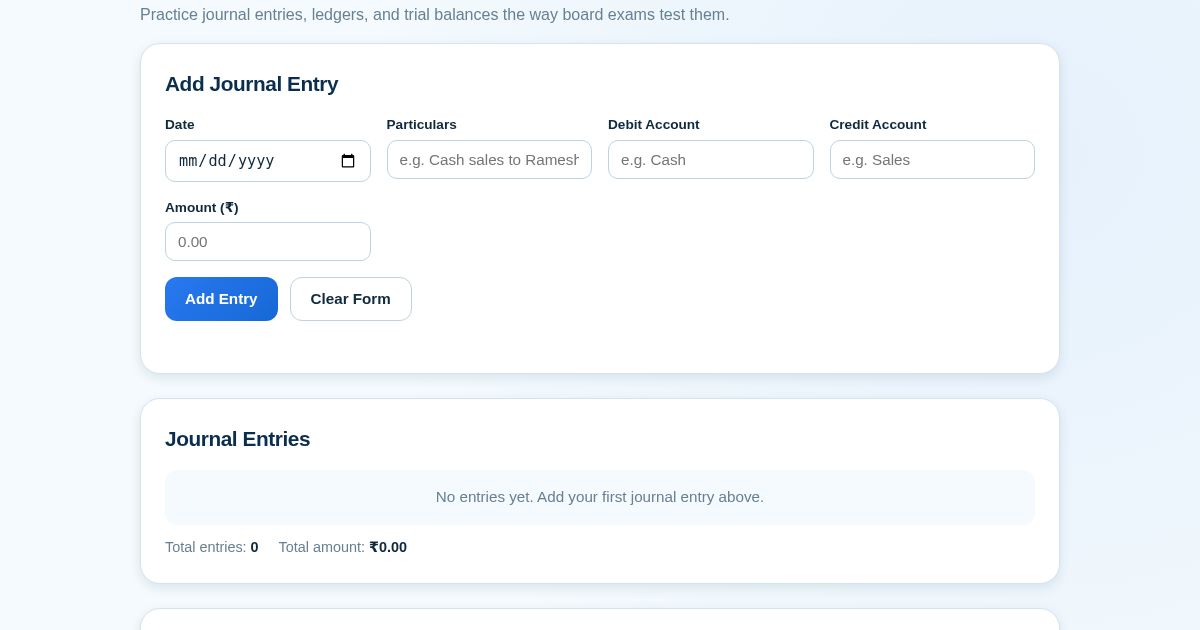
Ledger & Trial Balance Practice Tool
Commerce students in Class 10-12 need to practice journal entries and see how they flow into ledgers, trial balances, and balance sheets for board exams. This tool lets them enter transactions and instantly see the…
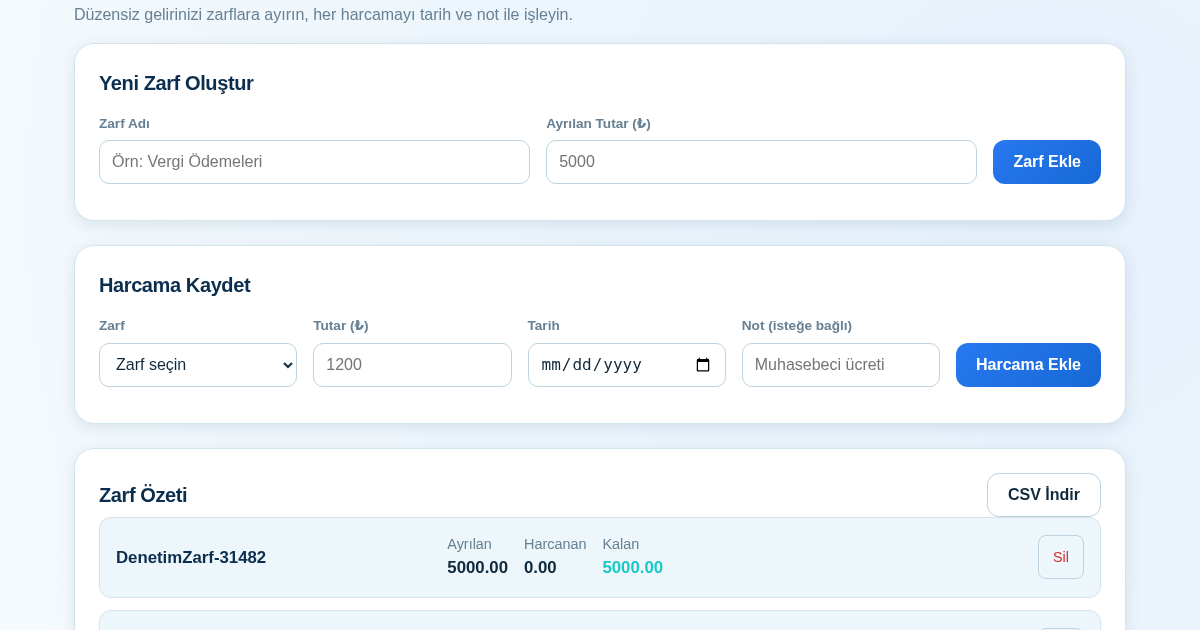
KASA - Serbest Çalışanlar İçin Zarf Bütçesi
Serbest çalışanlar düzensiz gelirlerini vergi, kira ve yaşam giderleri gibi zarflara bölerek bütçelerini düzenli tutabilir. Her harcamayı tarih ve not ile ilgili zarfa işleyerek ne kadar ayırdığını ve ne kadar…
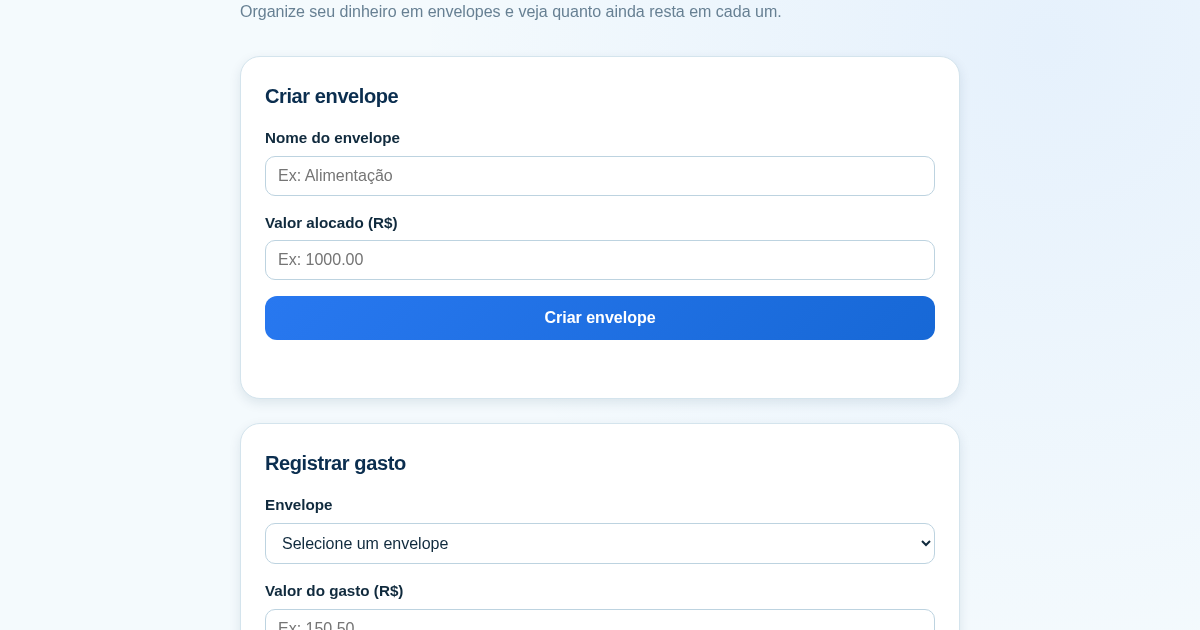
Calculadora de Orçamento por Envelopes (Pix)
Este aplicativo ajuda brasileiros a organizar seu dinheiro em envelopes de orçamento, como alimentação, transporte e lazer, sem precisar conectar uma conta bancária. Ele resolve o problema de controlar gastos do dia a…